Keyed composite mock advertisement
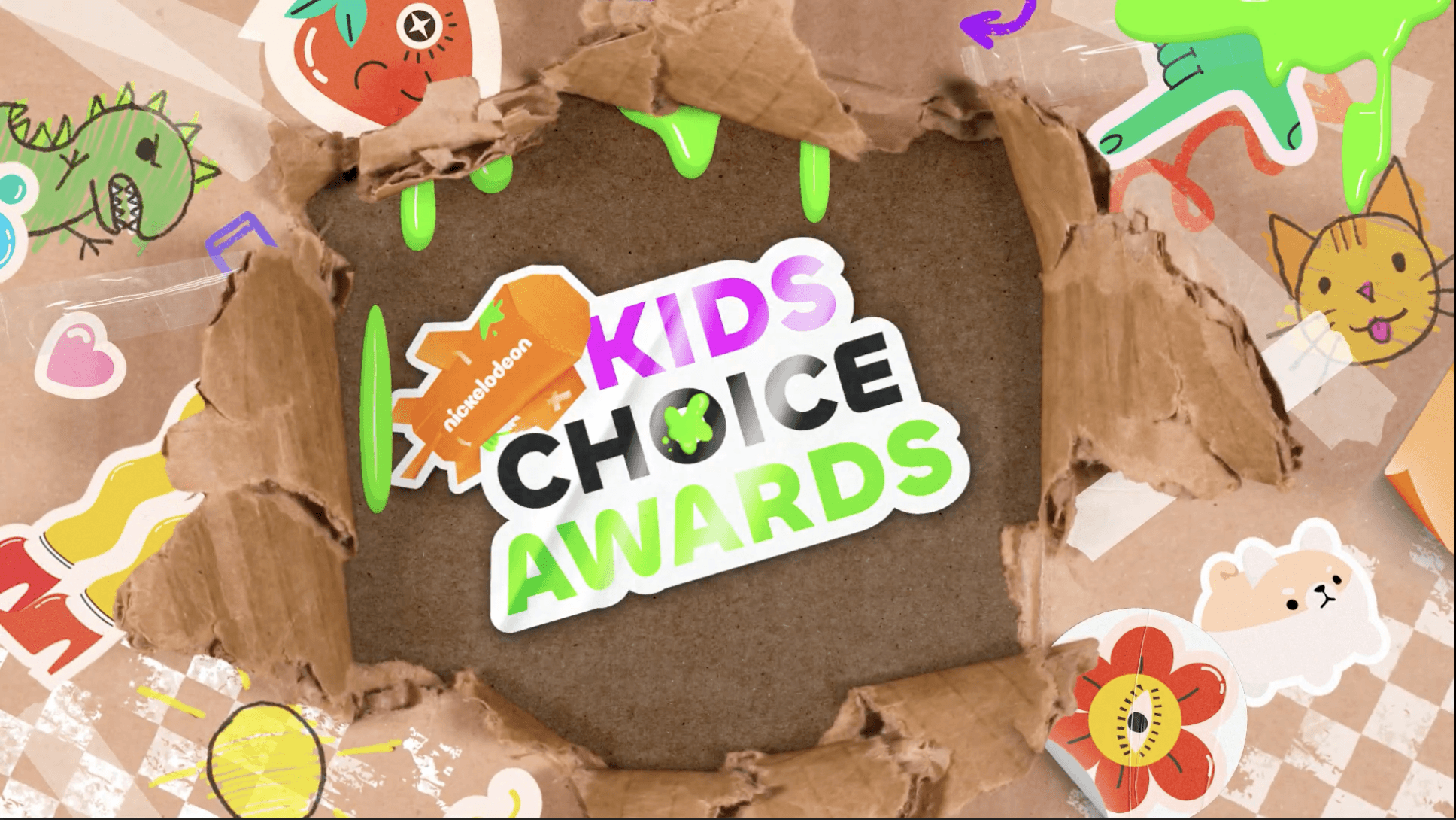
Kids Choice Awards
COMPANY
RCAD
ROLE
Compositor
SOFTWARE
Nuke
YEAR
2026
Credits
Marielle Kan | Project Manager
Meredith Leiss | Lead 3D, Assistant Compositor
Olga Nerciu | Designer, Compositor + Animator
Jacob Lemos | Designer, Compositor + Animator
Project Description
In this project, I worked as part of a team to create a professional-level motion graphics composite using real footage from Nickelodeon’s 2021 Kids Choice Awards “Blimp My Ride.” Following a studio-style pipeline, we each took on specific production roles while collaborating across departments to manage assets, maintain visual consistency, and ensure technical accuracy between the 5 of us. Using a shot-based workflow in Nuke Studio, our focus was on contributing to a cohesive, on-air quality final piece while staying organized, communicating effectively, and solving problems throughout the production process.
Starting Off
Zoom Meeting With Tim Lines and Ish Nazmi
With this project first being announced, Christian Huthmacher, Our teacher for this compositing class had brought in 2 people who used to take on huge roles in past nickelodeon projects. Tim Lines and Ish Nazmi.
Having a call with them was to help kickstart the project. Explaining how Kids Choice Awards worked when they had aired it, things to look out for, and how we could tackle this project.
Workshops
Now that we had information and guidance on how to start this project and how the pipeline would work, we moved onto facing another challenge. How will we design this commercial? What theme do we want while still staying true to the Nickelodeon Branding?
Thats when Jess Ramirez and Hannah Seagraves came in. They had been past designers for Nickelodeon so they had come to give presentations on how they had designed and worked for projects, both KCA, and others like it within Nickelodeon. This helped us spark ideas for our project and how we might go about designing it.
Initial Designs
Sketches and Ideation
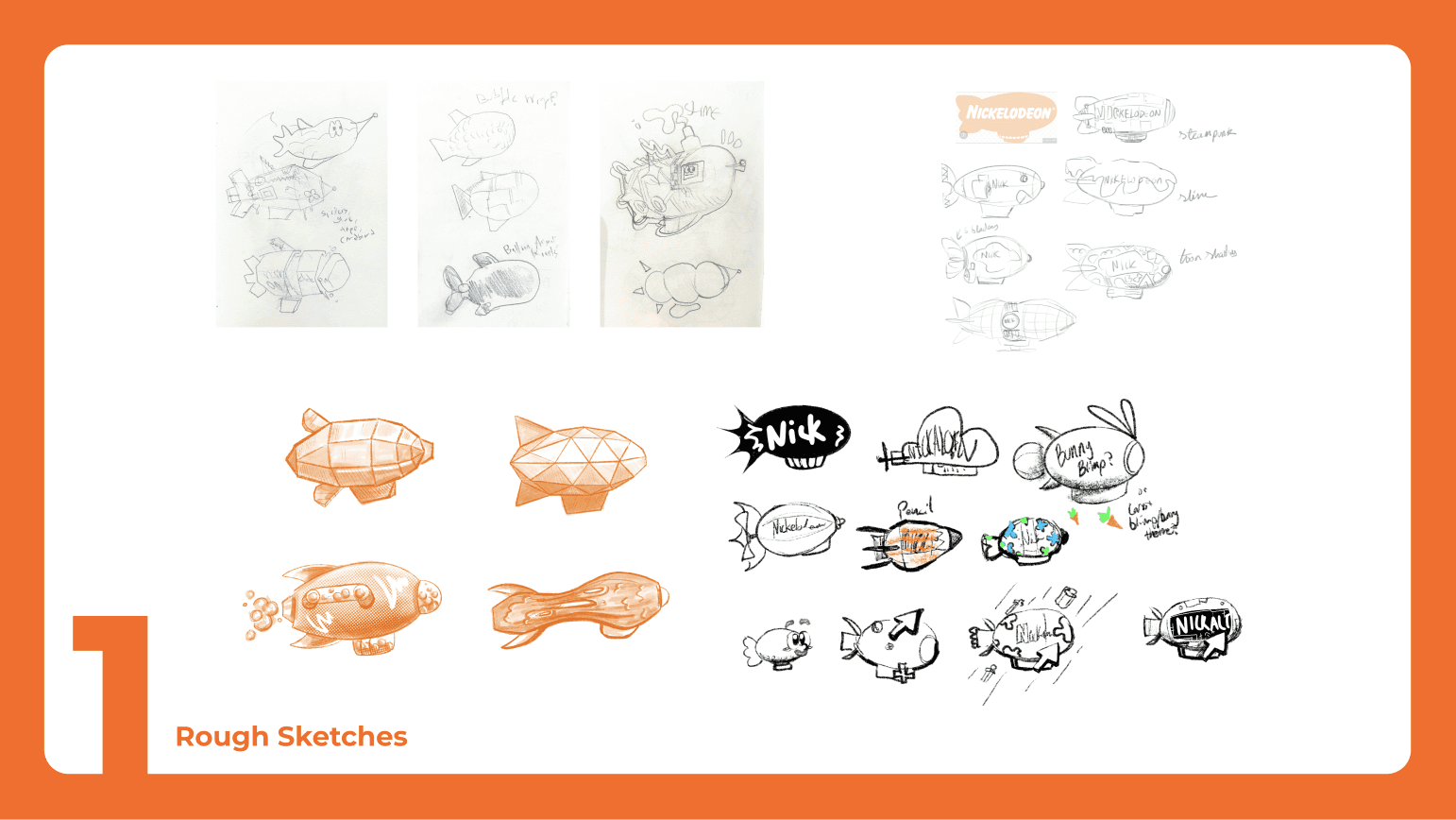
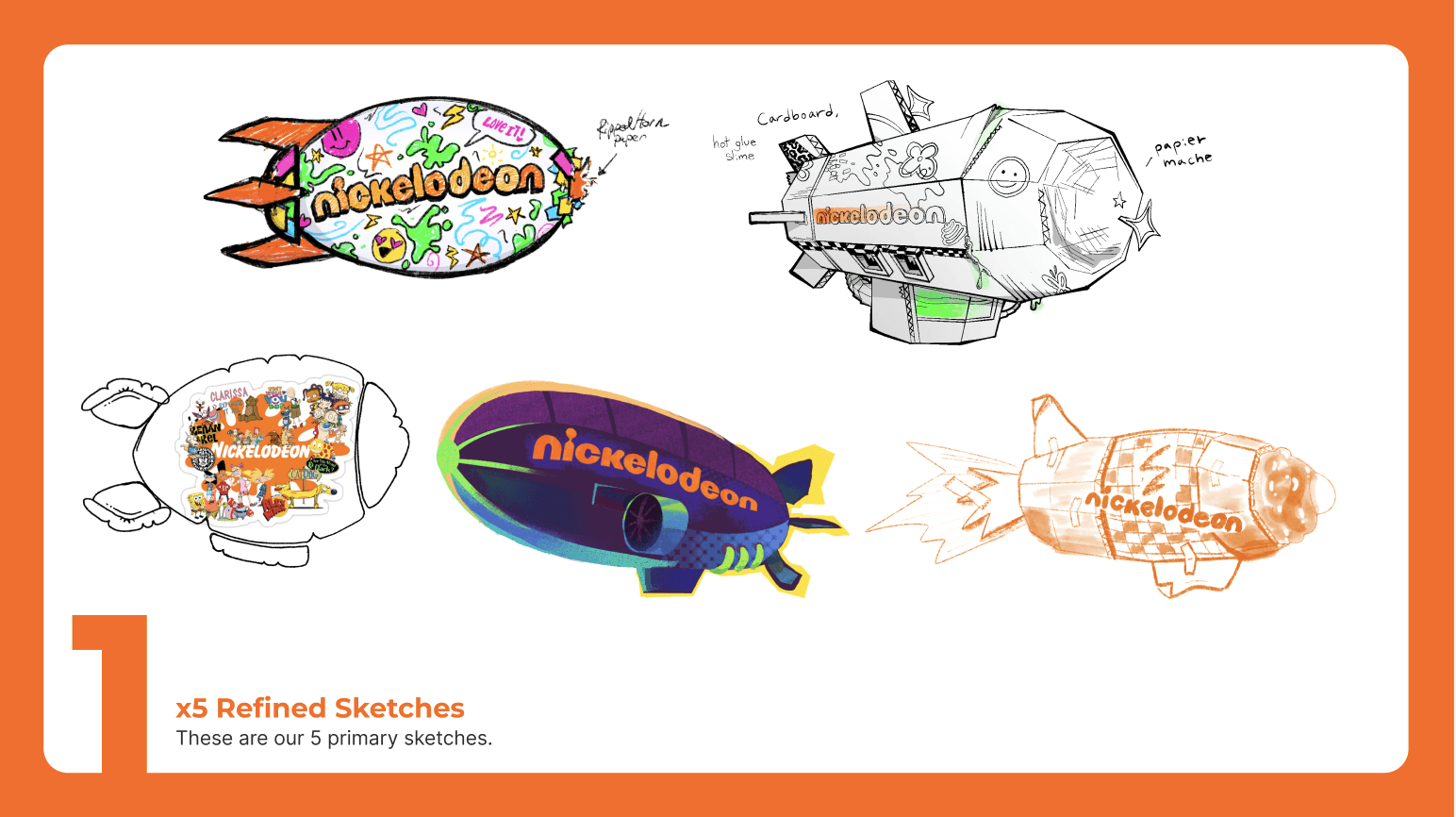
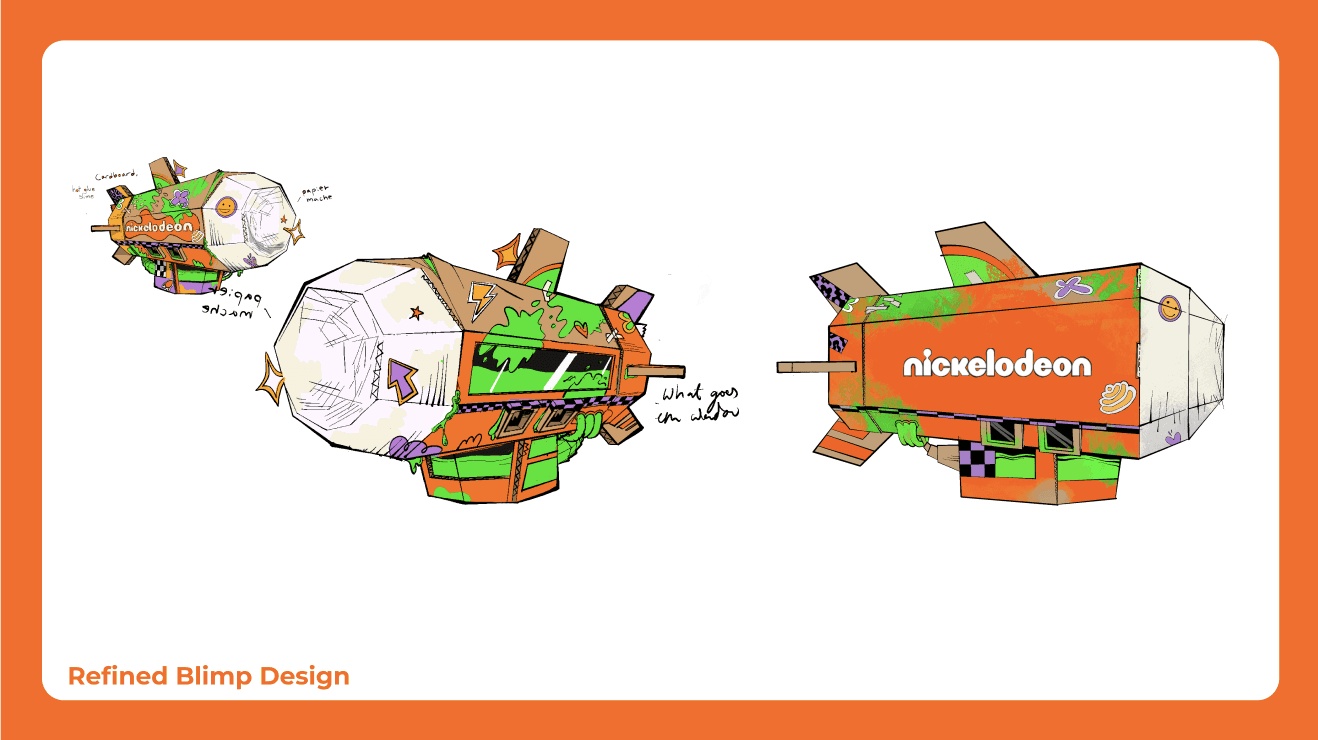
We had first began with us all designing our own blimps and pitching the ideas to each other. Each of us with our own sketches and reasons to back it up. While we pitched these ideas to each other, It became apparent we wanted to work with and develop Jacobs blimp idea. Keeping the hand made crafty look of a kid. Emphasizing that this was something made for kids.
Development
After choosing our direction, we had gone along with styleframe and lower third developemnt. Creating styleframes for how we might want to present our information. With these initial designs created, we then sent our designs to Olga and Jacob to refine them and make them all cohesive as well as getting them animated.
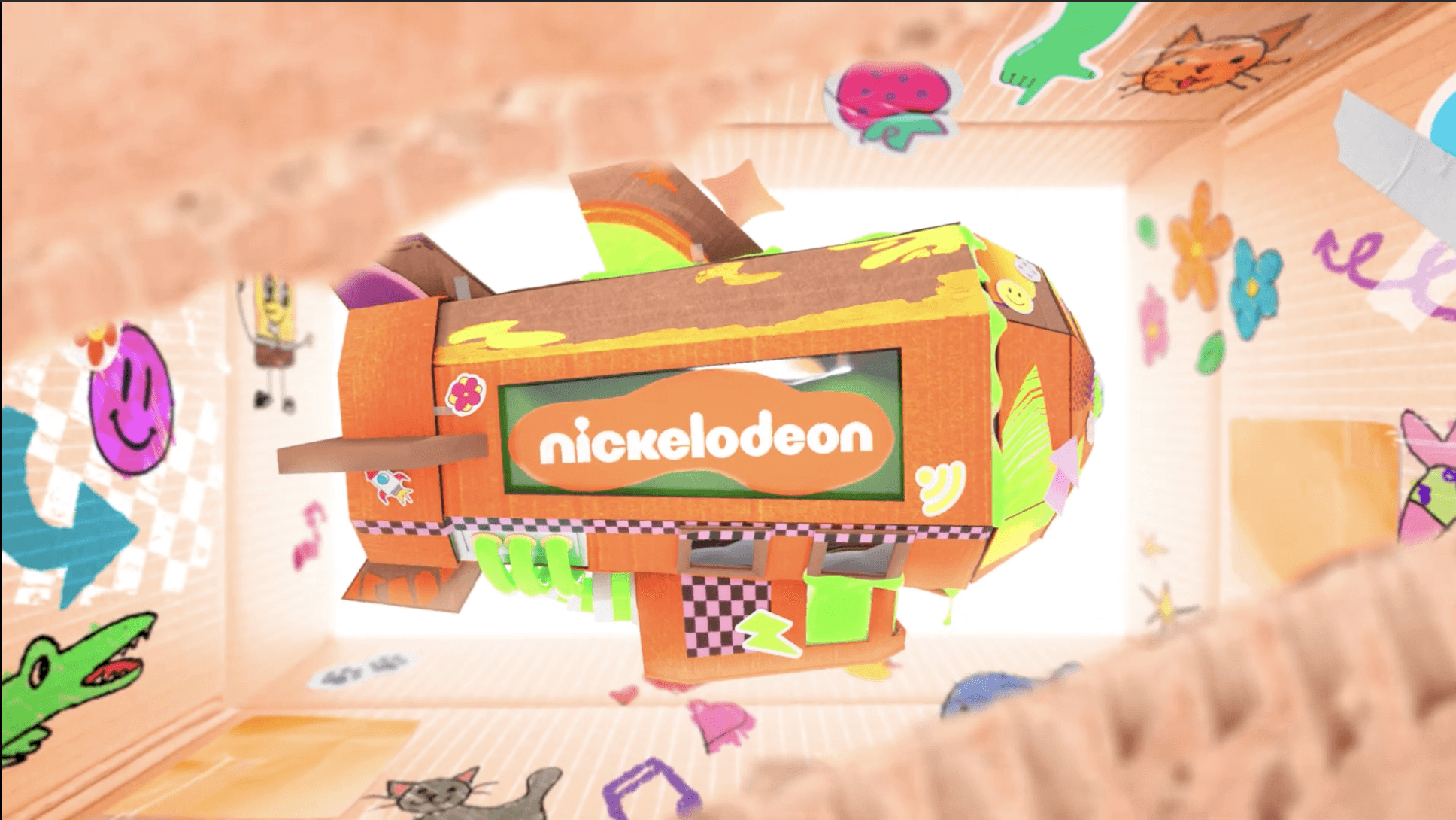
I then got to work on the blimp. Creating the base shape of the 3D model in Cinema 4D so that i could hand it off to Meredith to then refine it, add textures, and really do the bulk of the Modeling.
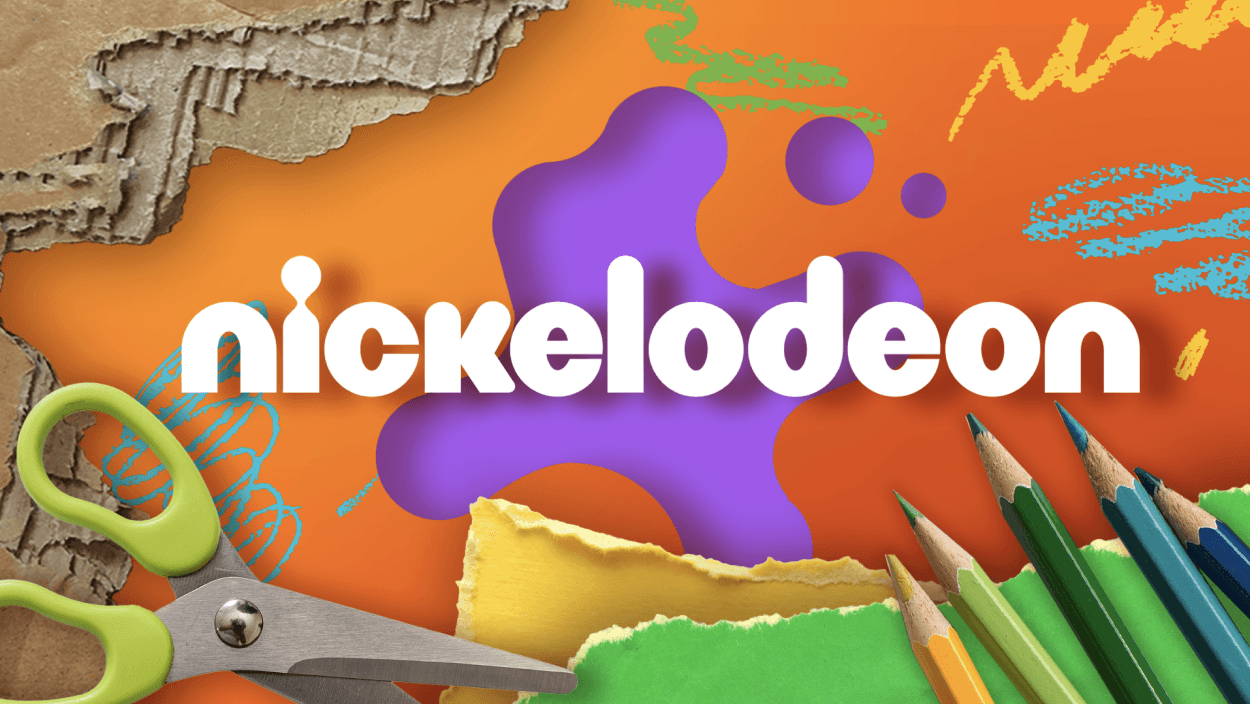
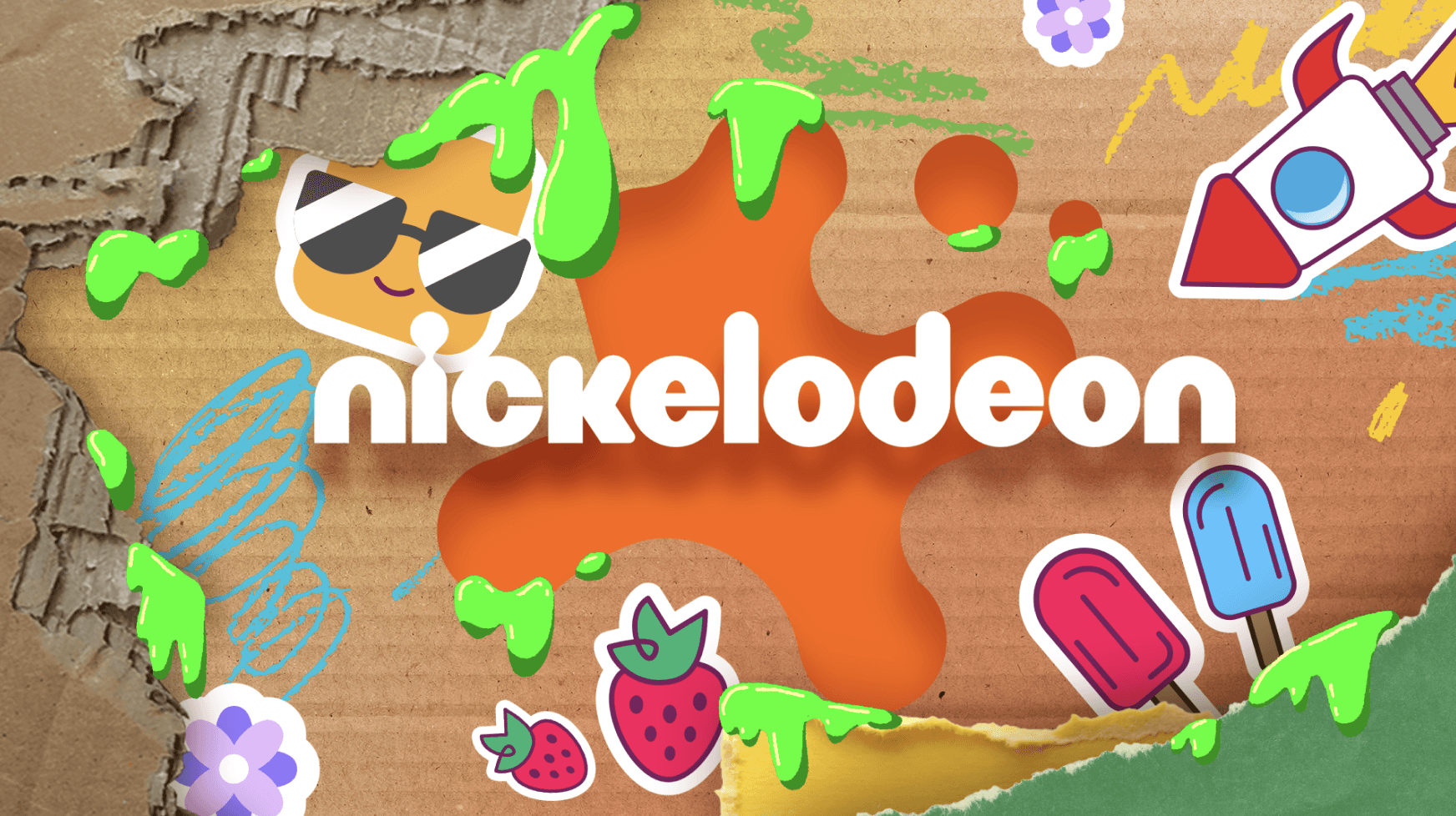
My Styleframes
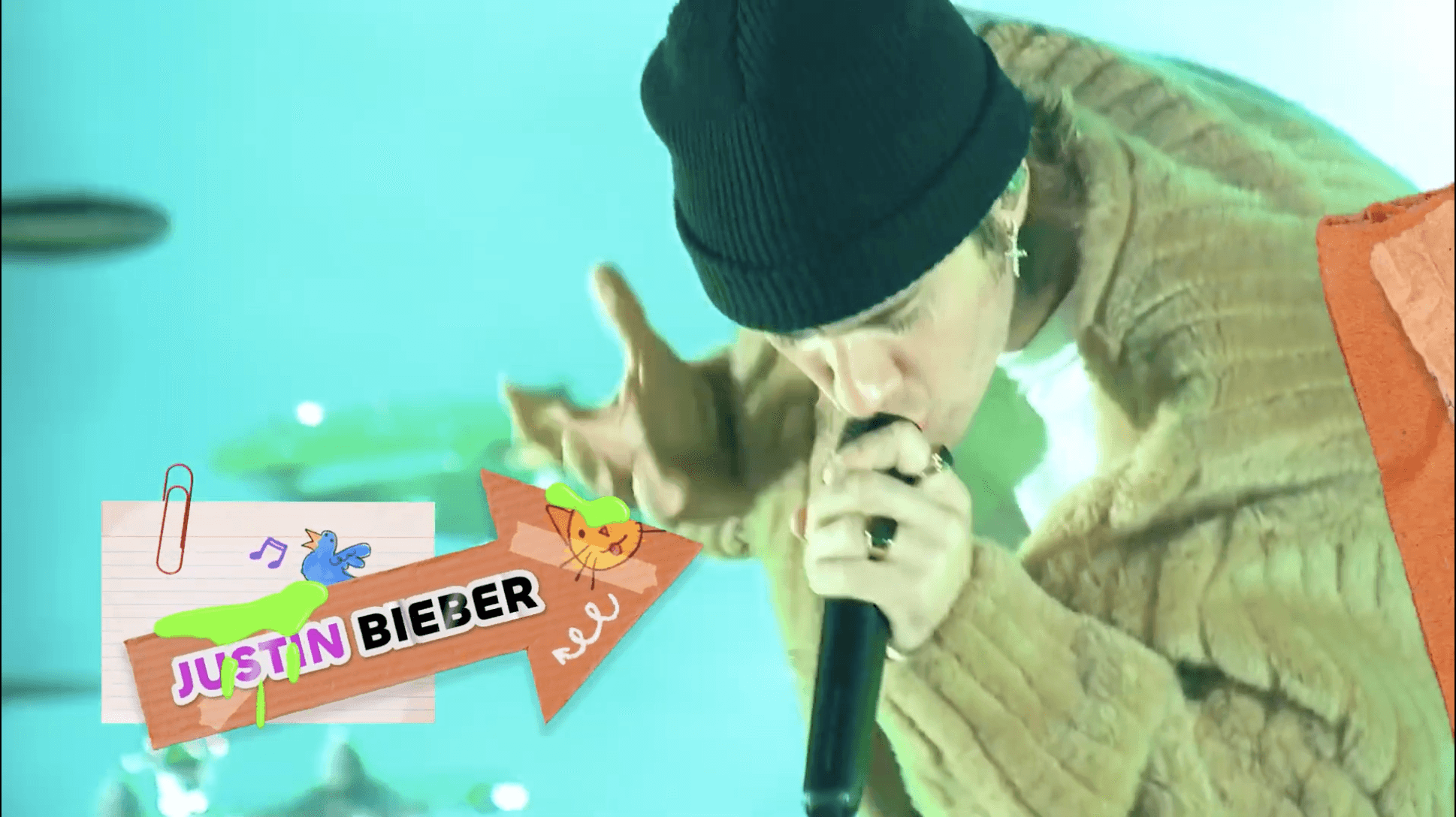
Final Styleframes
Compositing
While Meredith was working on the 3D model of the blimp, I started to work on shots 1-5 and prepare them for the blimp to be put in. Shots 1, 2, and 3 needed camera tracking done because the camera was moving during those shots and we wanted the blimp to seem like it was actually in this world. With this being needed in the project was where i ran into my biggest challenge. Shot 3 would not track correctly. Everytime i sent it to Meredith to put the blimp into the track and render, it would slip. To fix this, we tried having someone else do the camera track to see if it could more accurately stick to the ground. Meredith took up that challenge and had success with the camera track! Once that shot was tracked, i Handed it off to Jacob to add some graphic elements into the screens to add a fun element to the shot.
After getting the tracking down on all of those shots, the last thing to do was rotoscope out objects and Keenan who would be seen infront of the blimp. This was tedious. Especially with Keenan because he moved so fast and in shit 3 he was so tiny that the roto being off at all was very easy to notice.
While working on the rotoscope for shots 4 and 5, Christian had noticed how long it was taking me to work on it and my struggle with getting the rotoscope to look exact and clean. So he had shown me a tool nuke had in its cattery that took the foreground subject and compared it to a clean plate without the subject and rotoscoped the subject out for you. It was called Background Matting. With this tool i was able to get through the rotoscope process a lot faster and make it look more precise.