Hard Surface Model
COMPANY
RCAD
ROLE
Designer, 3D modeler, texturer, Animator, Creative Director, Sound Mixer
SOFTWARE
Cinema 4D, Adobe After Effects, Adobe Photoshop
YEAR
2025
Credits
Sound Mixing, Animation, Design, Concept, Modeling, Texturing - Me
Sound - Pixabay
Project Description
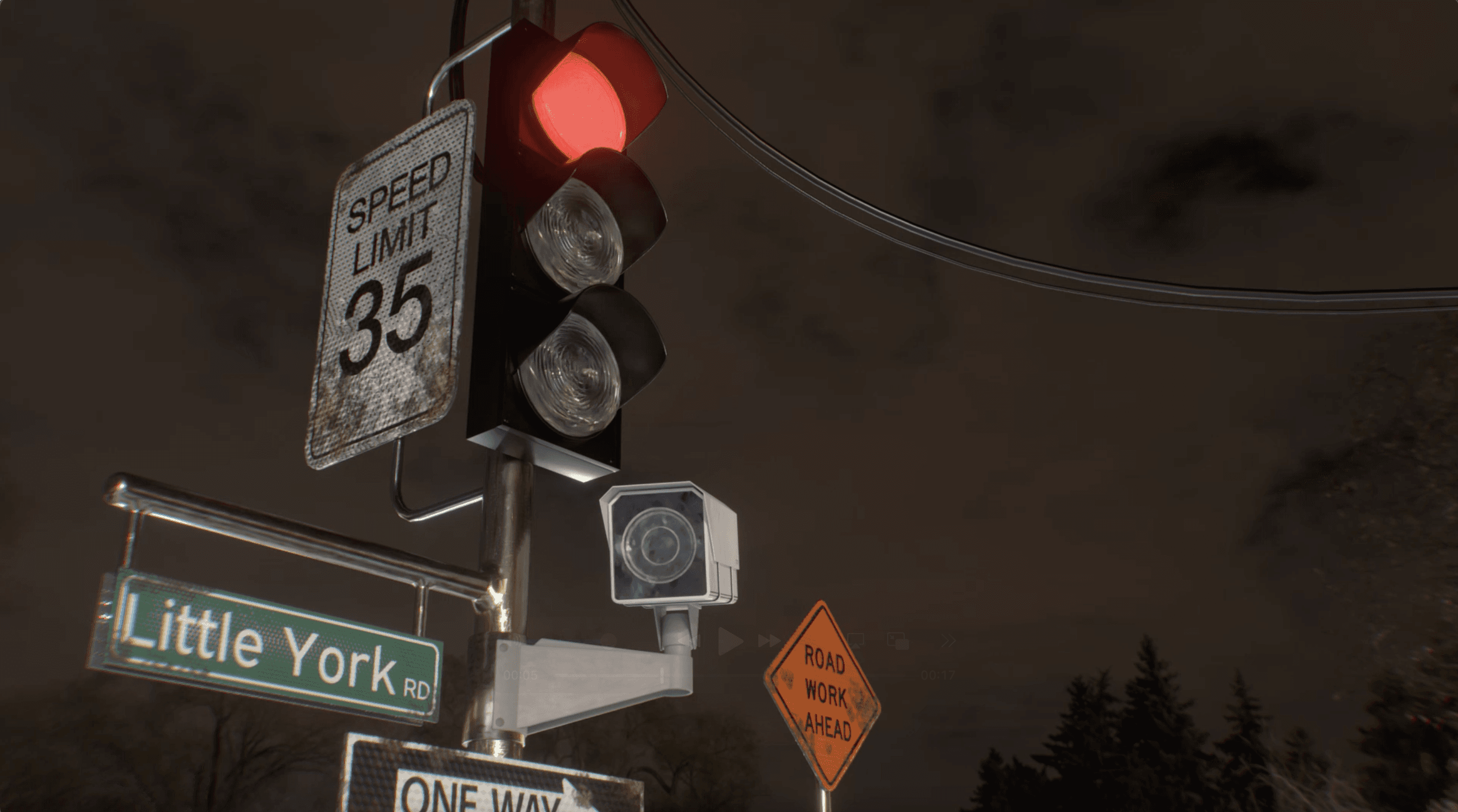
For this project, I created a 10-second animation that showcased my understanding of Hard Surface Modeling, UV texturing, and animation principles. I modeled a detailed structure and paired the visuals with an audio track to create rhythm and motion that matched the sound. The goal was to demonstrate technical skill through clean movement, strong composition, and creative use of hard-surface techniques.
Process
Research
I found this project difficult to start with. Most of the projects at Ringling have strong requirements, causing lots of restrictions in our work. Something i value as it allows for a challenge to create something creative and outside of the box as well as something that pushed our limits. But in the advanced 3D class, we learned new techniques and we could do anything we wanted as long as it incorporated the new technique in some way.
What I had to create was an animation that used 3D hard surface modeling techniques. So i went to Pinterest, looked up hard surface models that inspired me. I found some videos of streetlights and surveillance cameras as well as composites of these 3d models in real life. I though this would be a cool concept to replicate in cinema 4d because it would also challenge myself to look into animating different aspects of the camera itself.
Design and Modeling
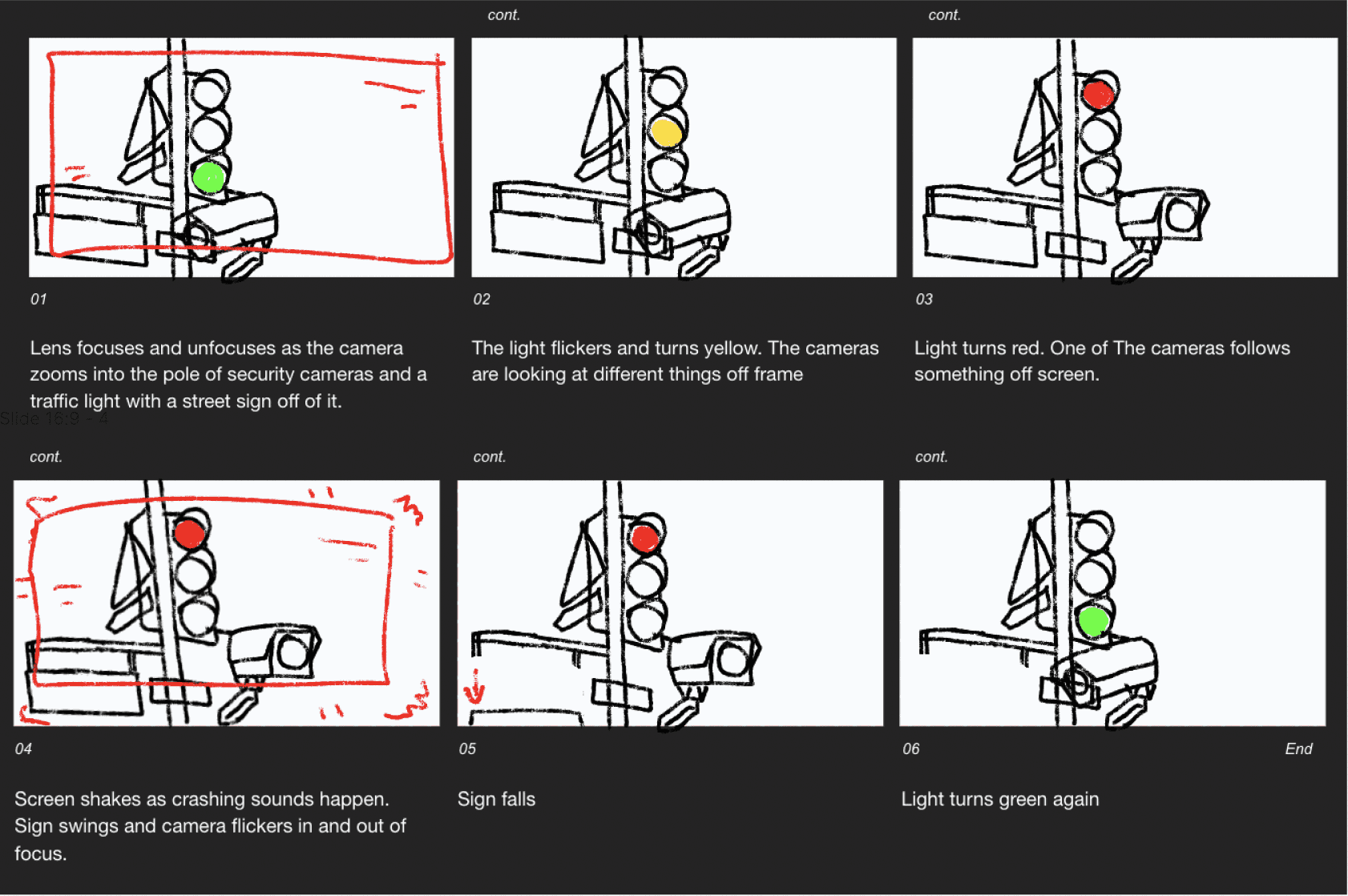
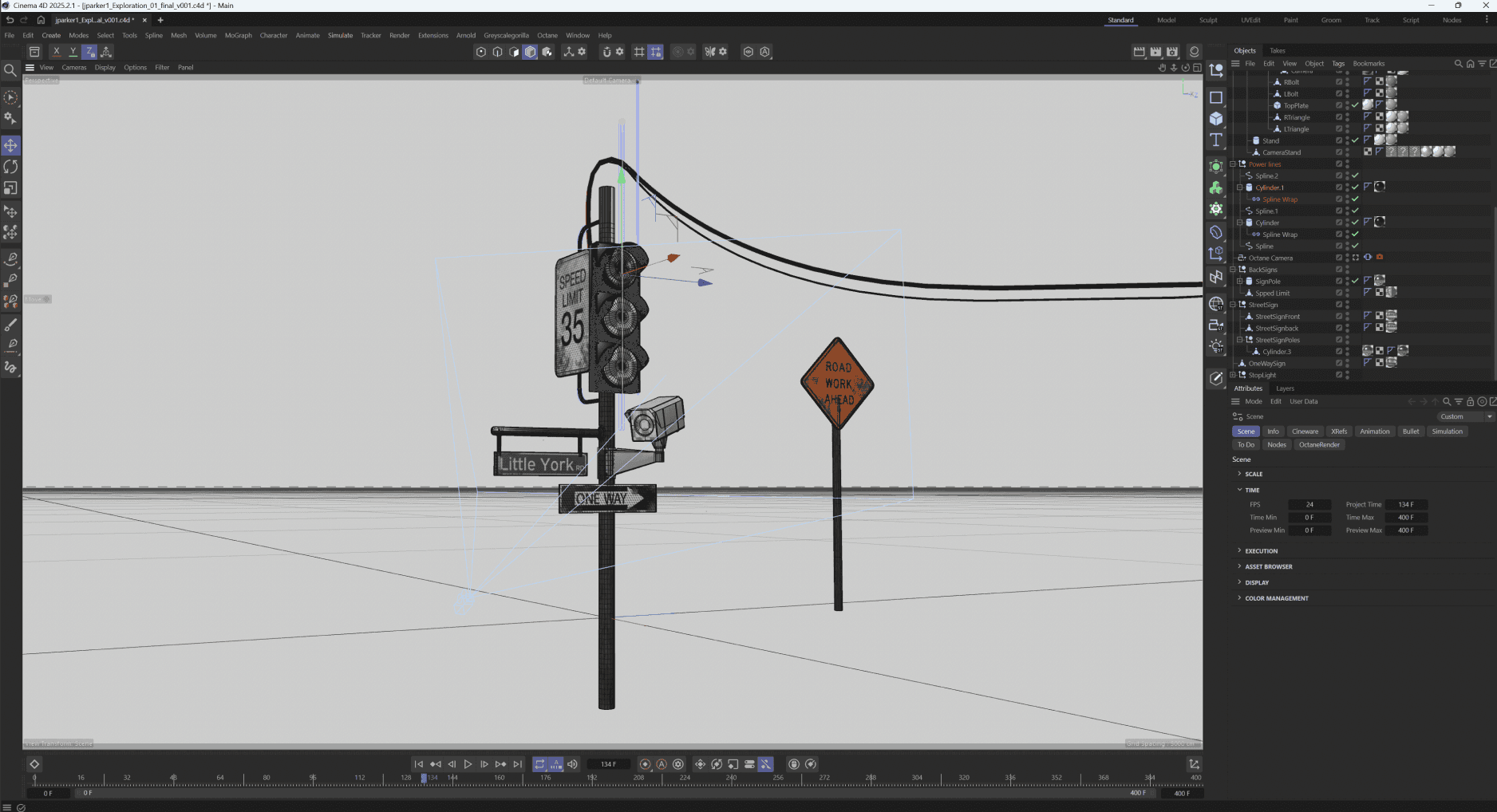
After coming up with my idea and storyboarding what i wanted to happen, Next was modeling. Using hard surface modeling techniques in cinema 4d, focusing on having the right topology to work with the next step, UV mapping. Creating the street light using bevels, the wires using splines, and other techniques, with close inspection, i had made my model.
UV Mapping and Animating
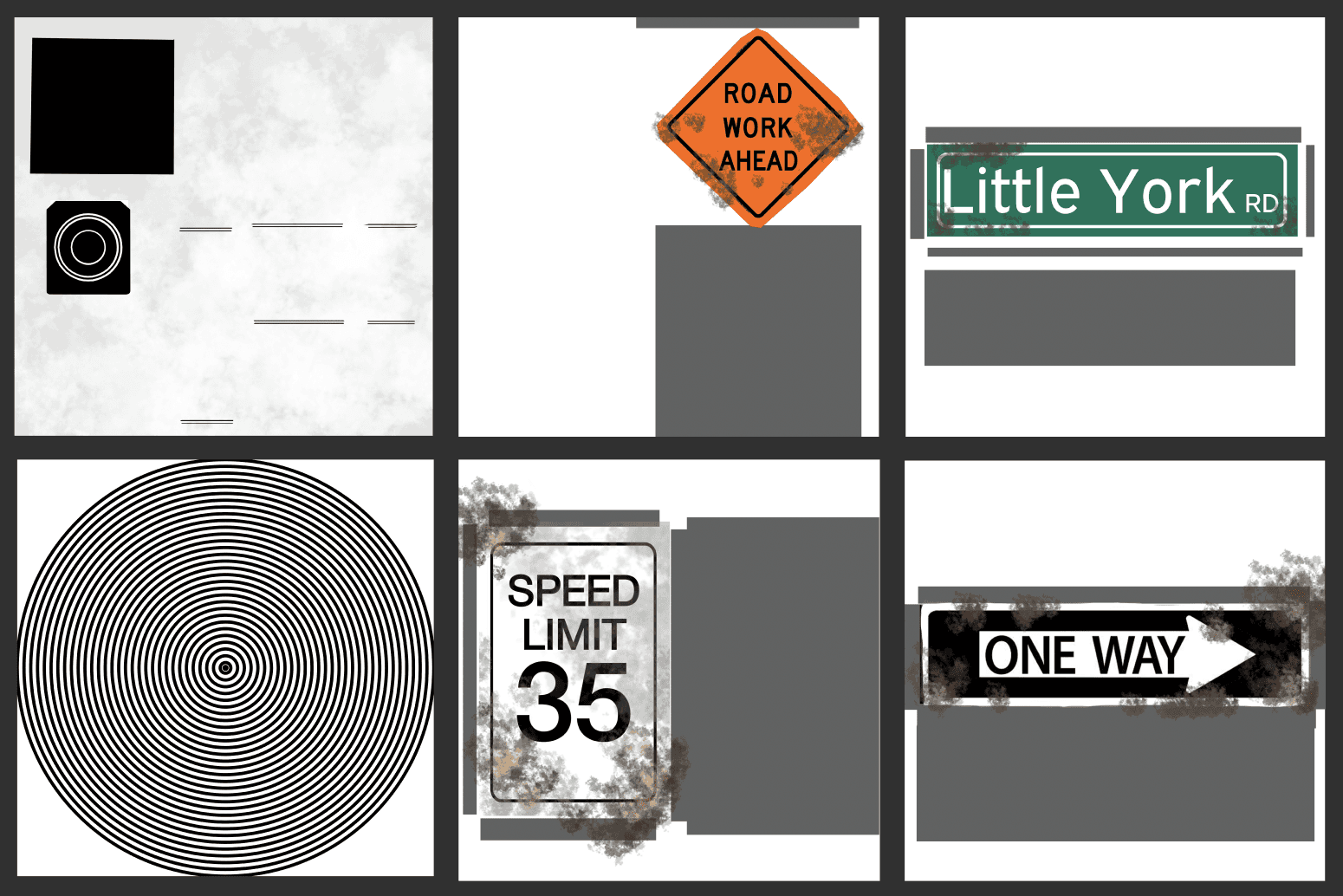
Once the modeling was done, it was time to texture and UV map, Editing different materials from octane to work with my environemnt, finding HDRI environments online to blend into the environemtn and give me the lighting i was looking for, and unwrapping the models in cinema 4d to edit in photoshop to create a realistic textrure for the more complex things. Like the screws, street signs, street light, and camera. This allowed me to play with different displacement maps, roughness and normals, as well as siffusements of the materials.
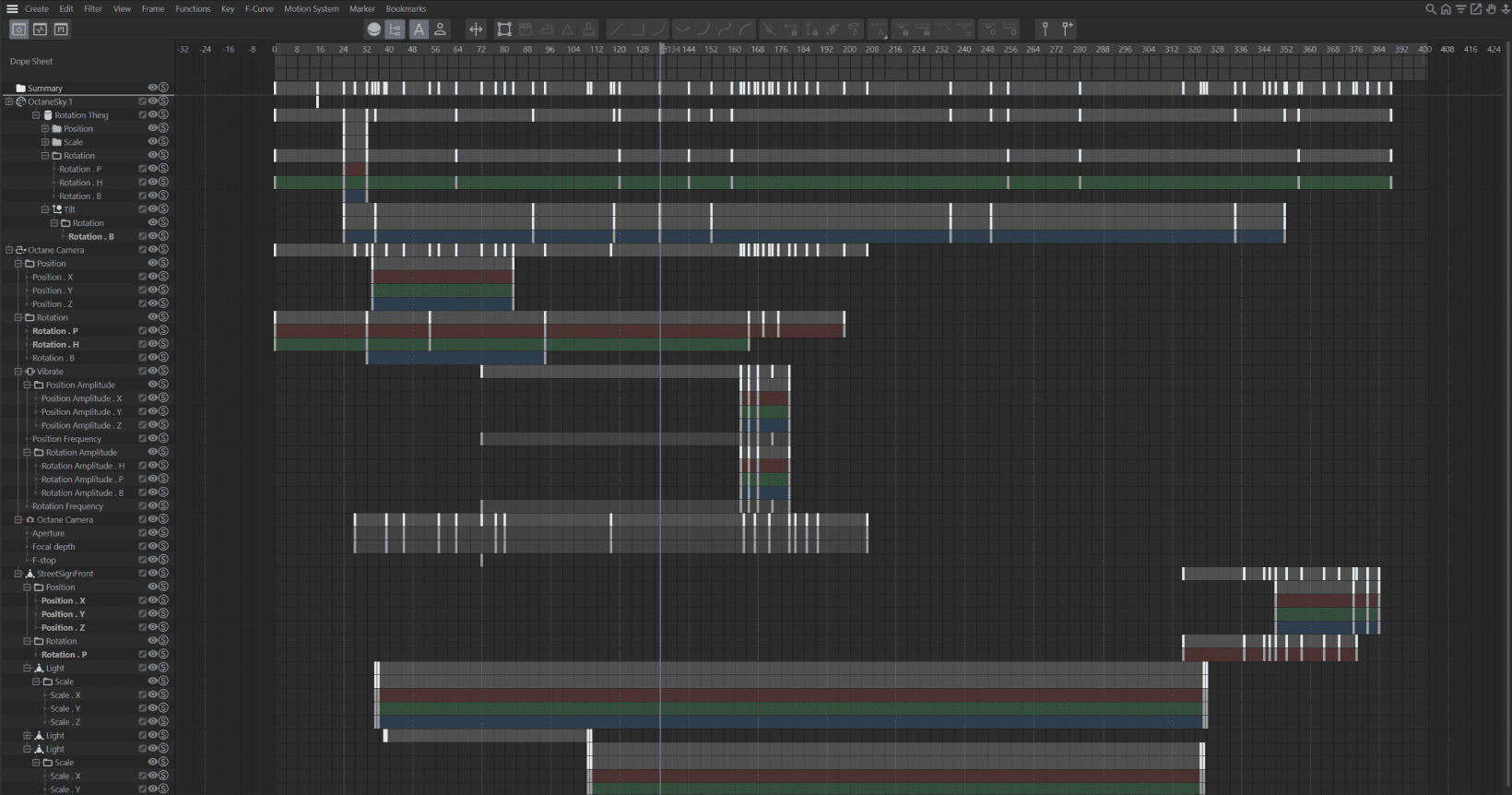
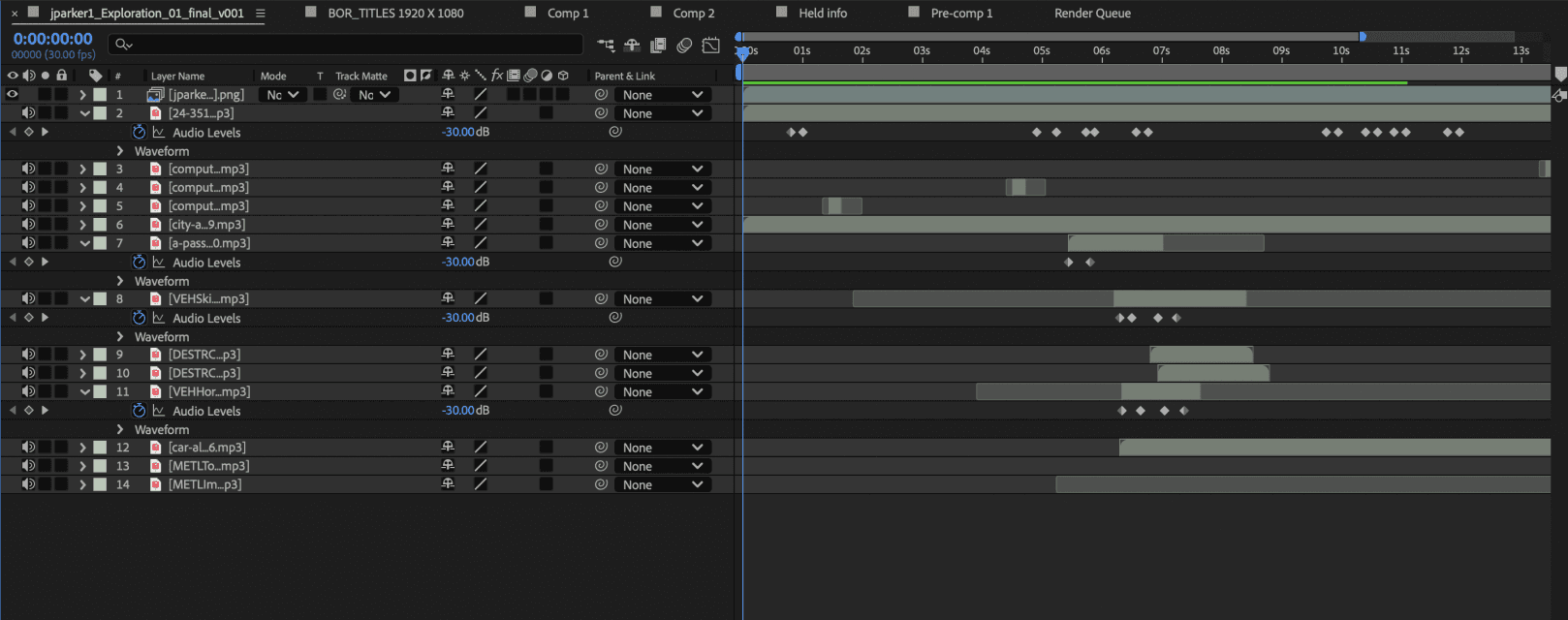
Once everything was put into place, the last steps were to add animation, creating life to the model, and adding non literal sound design to make it feel like there was something happening off screen for the camera to react to.
Results
Finally, my first 3d animation of the semester was created and brought to life! I learned the importance of uv textures, good topology design, and all the different aspects of cinema 4d you could play with to create almost anything. This left me with a simple, yet visually appealing project, playing with different parts of camera settings you can animate, material parts, texturing, and modeling.